Two deployment models
| Model | What you get | Where to go |
|---|---|---|
| Docker Compose | The reference app + full dependency set, on your machine, in minutes | Developer's Guide — Running the Application |
| Kubernetes (Terraform + Helm) | A production reference deployment: operators, databases, auth, secrets, observability, the works | This page |
Local: Docker Compose
The framework repository ships two complete stacks — application, PostgreSQL (with pgvector), Redis, Vault and an observability stack:
docker compose -f compose-grafana.yml up --build      # Grafana stack
docker compose -f compose-opensearch.yml up --build   # OpenSearch Dashboards stack
Scaffolded projects get their own compose.yml (app + postgres + redis + vault) —
see Your first agent.
Production: Kubernetes with Terraform
Agent-Lab provides Terraform scripts that deploy the application and its dependencies on Kubernetes. This walkthrough uses a Minikube cluster for reference purposes — use a production-ready cluster for real deployments.
Prerequisites
Set up a Kubernetes cluster
Minikube (Linux) — allocate enough resources (the reference stack is heavy):
minikube start --memory=20g --cpus=4Resolve the cluster IP and map the service domains to it:
minikube ip
# 192.168.49.2
192.168.49.2 vault.my-domain.com kibana.my-domain.com elasticsearch.my-domain.com agent-lab.my-domain.com litellm.my-domain.comDocker Desktop (Mac / Windows) — enable the bundled Kubernetes:
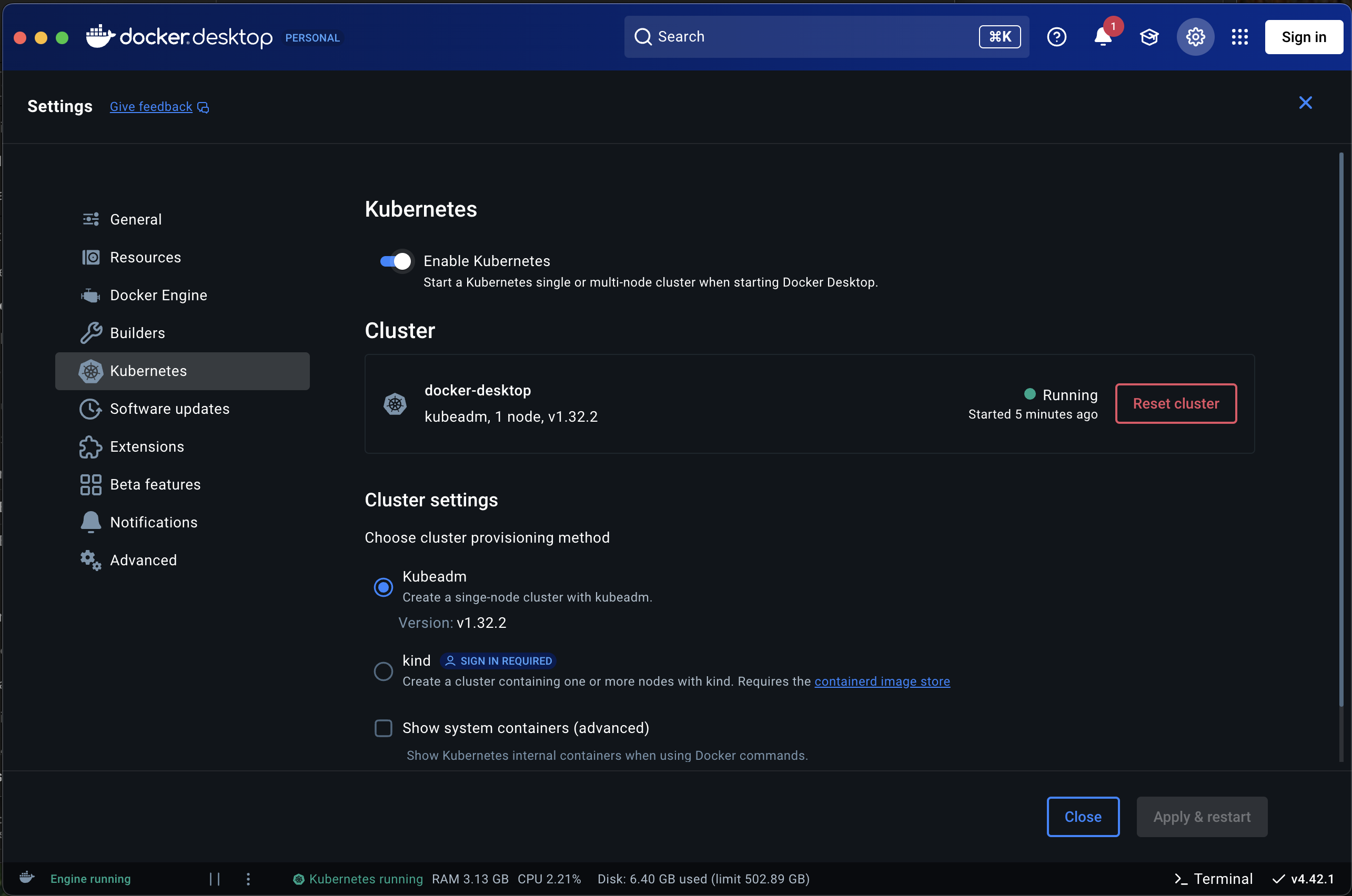
With Docker Desktop, domains resolve through localhost:
127.0.0.1 vault.my-domain.com kibana.my-domain.com elasticsearch.my-domain.com agent-lab.my-domain.com litellm.my-domain.comProvision dependencies
Every module below lives in terraform/ — apply with terraform init && terraform apply in each directory, in this order:
| Module | What it provisions |
|---|---|
01_traefik/ |
Traefik ingress controller |
02_cert-manager/ |
cert-manager for TLS |
03_cert-cluster-issuer/ |
Let's Encrypt production ClusterIssuer |
04_redis-operator/ |
Redis operator (pub/sub status updates) |
05_postgres-operator/ |
PostgreSQL operator — three databases: relational, pgvector, checkpoints |
06_keycloak-operator/ |
Keycloak operator |
08_vault-instance/ |
Vault for secrets |
Keycloak instance (09_keycloak-instance/), then grab the admin password:
echo "$(kubectl --namespace keycloak get secret/keycloak-initial-admin -o go-template='{{index .data "password" | base64decode}}')"Configure the OIDC connection per Auth with Keycloak, or let the
12_agent-lab-auth-realm/ module do it (below).
Vault initialization (08_vault-instance/ applied) — initialize and unseal:
kubectl --namespace vault exec vault-0 -- vault operator init \
    -key-shares=1 \
    -key-threshold=1 \
    -format=json > cluster-keys.json

export VAULT_UNSEAL_KEY=$(jq -r ".unseal_keys_b64[]" cluster-keys.json)
kubectl --namespace vault exec vault-0 -- vault operator unseal $VAULT_UNSEAL_KEY
Observability (optional but recommended) — the LLM-observability platforms used by the simulation suite and the tracing backends:
| Module | What it provisions |
|---|---|
13_langfuse-instance/ |
Langfuse — LLM traces & simulation experiments |
14_langwatch-instance/ |
LangWatch — simulations & dashboards |
07_elastic-operator/ + 10_elastic-instance/ |
ECK (Elastic) for logs & APM |
Retrieve the Elastic credentials:
echo "$(kubectl --namespace elastic get secret elasticsearch-es-elastic-user -o=jsonpath='{.data.elastic}' | base64 --decode)"

echo "$(kubectl --namespace elastic get secret/elastic-eck-apm-server-apm-token \
    -o go-template='{{index .data "secret-token" | base64decode}}')"
OpenTelemetry Collector (11_otel-instance/) — the OTLP endpoint the app exports
to (Observability).
LiteLLM gateway (17_litellm-instance/) — a self-hosted OpenAI-compatible LLM
gateway with virtual keys, spend tracking and an admin UI (/ui):
echo "$(kubectl --namespace litellm get secret/litellm-masterkey -o go-template='{{index .data "masterkey" | base64decode}}')"

curl -s https://<litellm_fqdn>/health/readiness
Deploy Agent-Lab
Three modules wire everything together:
| Module | What it configures |
|---|---|
12_agent-lab-auth-realm/ |
The Keycloak realm, client and service account for the app |
15_agent-lab-dependencies/ |
Runtime dependencies wiring (databases, broker, LANGFUSE_* keys, …) |
16_agent-lab-instance/ |
The Agent-Lab application itself |
cd terraform/12_agent-lab-auth-realm/ && terraform init && terraform apply
cd terraform/15_agent-lab-dependencies/ && terraform init && terraform apply
cd terraform/16_agent-lab-instance/ && terraform init && terraform apply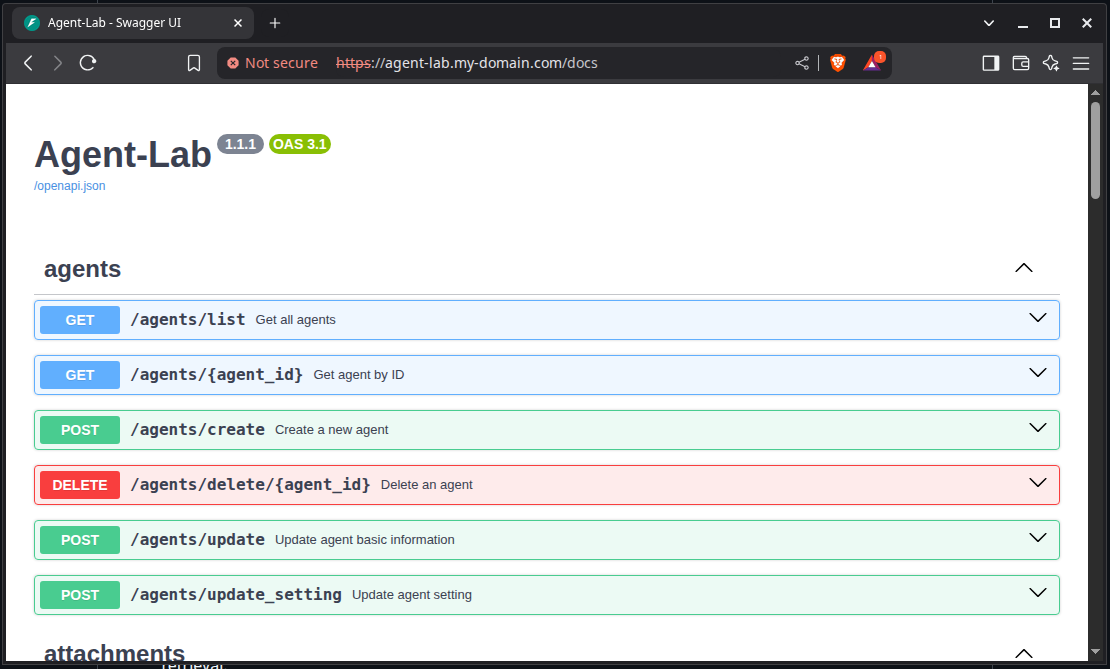
Secrets note: the deployment reads its configuration from Vault at startup (
secret/app_secrets) — the payload keys are listed in the Configuration reference.
Helm chart
The repository also ships a Helm chart, charts/agent-lab, packaging the application
deployment with its sidecars: headless Chrome (CDP) for web agents, an HPA, ingress,
config and service account. Use it when you already operate your own dependencies and
only want to install the app.
Checklist
Before calling it done, verify:
-
GET /status/livenessandGET /status/readinessreturn 200 -
GET /docsrenders andGET /agents/listresponds (with a token when auth is on) - Traces arrive at your OTLP endpoint (see Observability)
- Vault contains
secret/app_secretswith all payload keys - Keycloak realm has a client and a service account