Every Agent-Lab application ships a Model Context Protocol
server built on FastMCP, mounted at /mcp
(Streamable HTTP, stateless). MCP clients — Claude Desktop, IDEs, your own agents —
can discover the app's agents, read dialog history, and talk to agents directly. The
server and its tool/prompt registrars participate in the same discovery mechanism as
agents: scan_packages and the agent_lab.agents entry-point group.
What the server exposes
| Tool | Description |
|---|---|
get_agent_list |
List the agents registered in the running app |
get_message_list |
Read an agent's dialog history |
post_message |
Send a message to an agent — agent-to-agent communication |
read_prompt_mcp |
Read a prompt template; also exposed as an MCP prompt (prompts/get) and resource (prompt://) |
The prompt triple surfaces each agent type's default system prompts, with per-tenant
overrides via agent_type + setting_key.
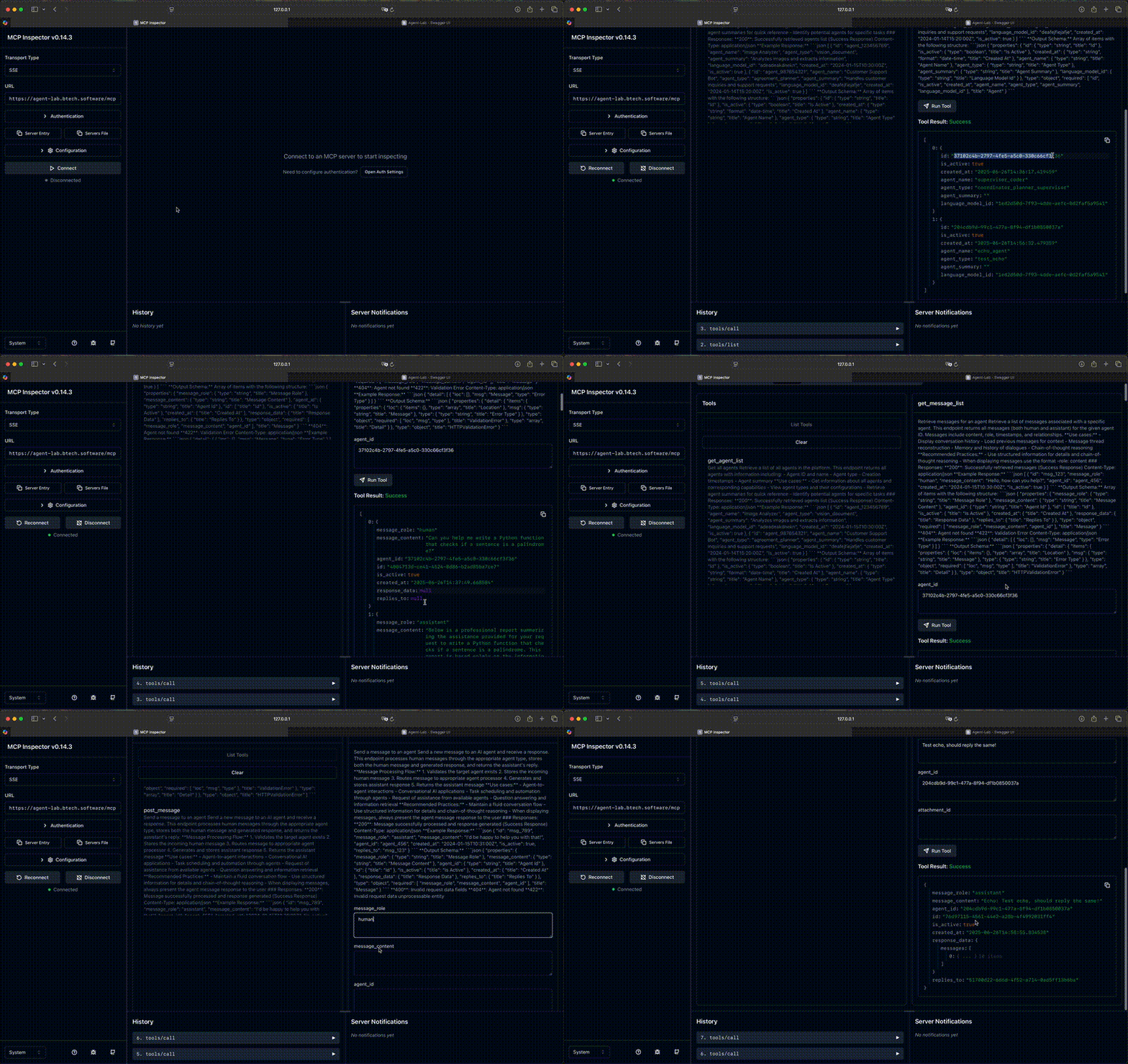
Try it with MCP Inspector
Start the MCP Inspector and
connect to your app (e.g. http://localhost:18000/mcp, transport: Streamable HTTP):
npx @modelcontextprotocol/inspectorAccess the web console (use the proxy link printed in the console).
Connect Claude Desktop
Note: Claude Desktop is used here only for demonstration. This project is not affiliated with Anthropic AI.
Install the mcp-proxy bridge used by Claude Desktop to reach remote HTTP servers:
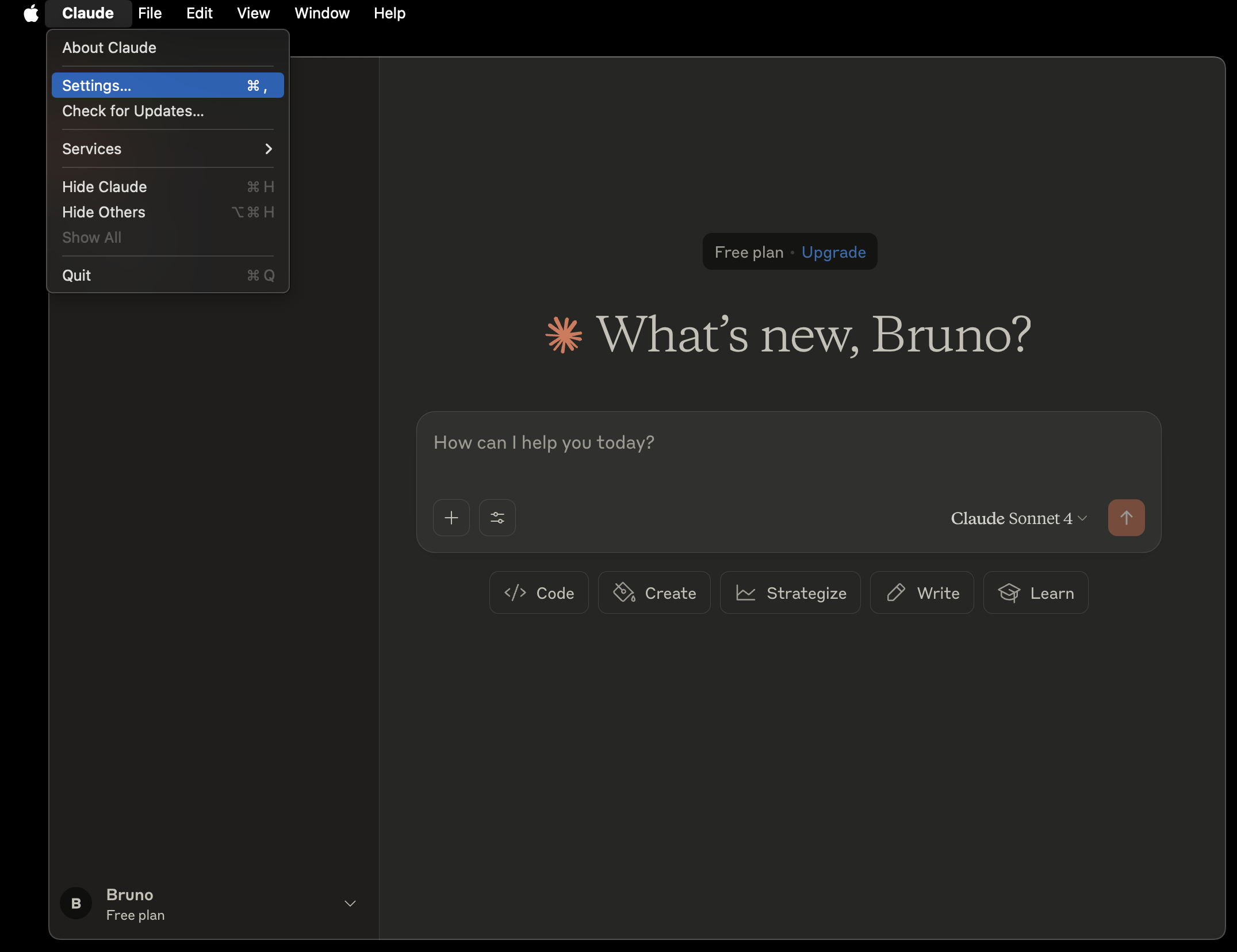
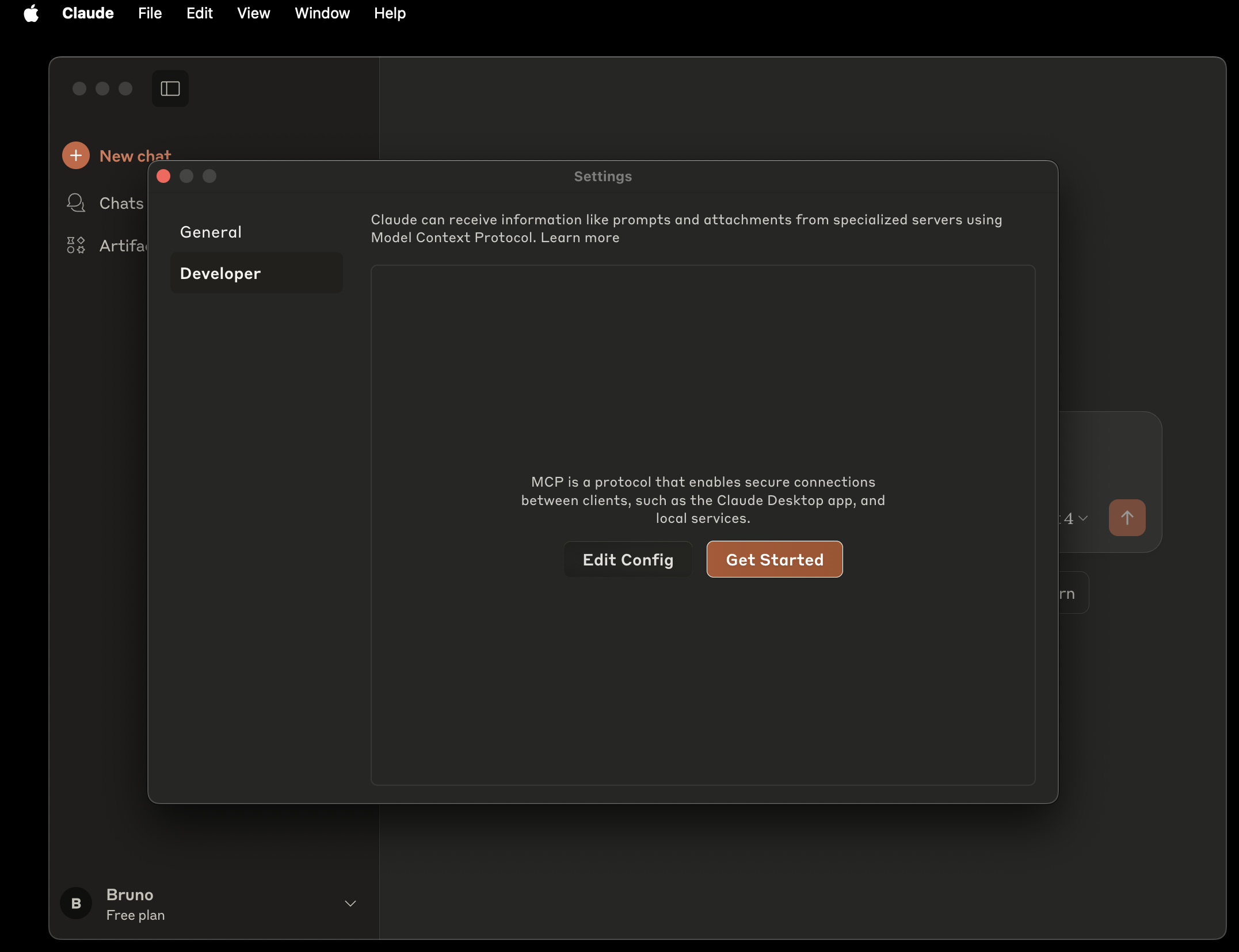
pip install mcp-proxyOpen Settings → Developer → Edit Config and edit
claude_desktop_config.json(adapt the endpoint to your installation; the Python environment must containmcp-proxy):
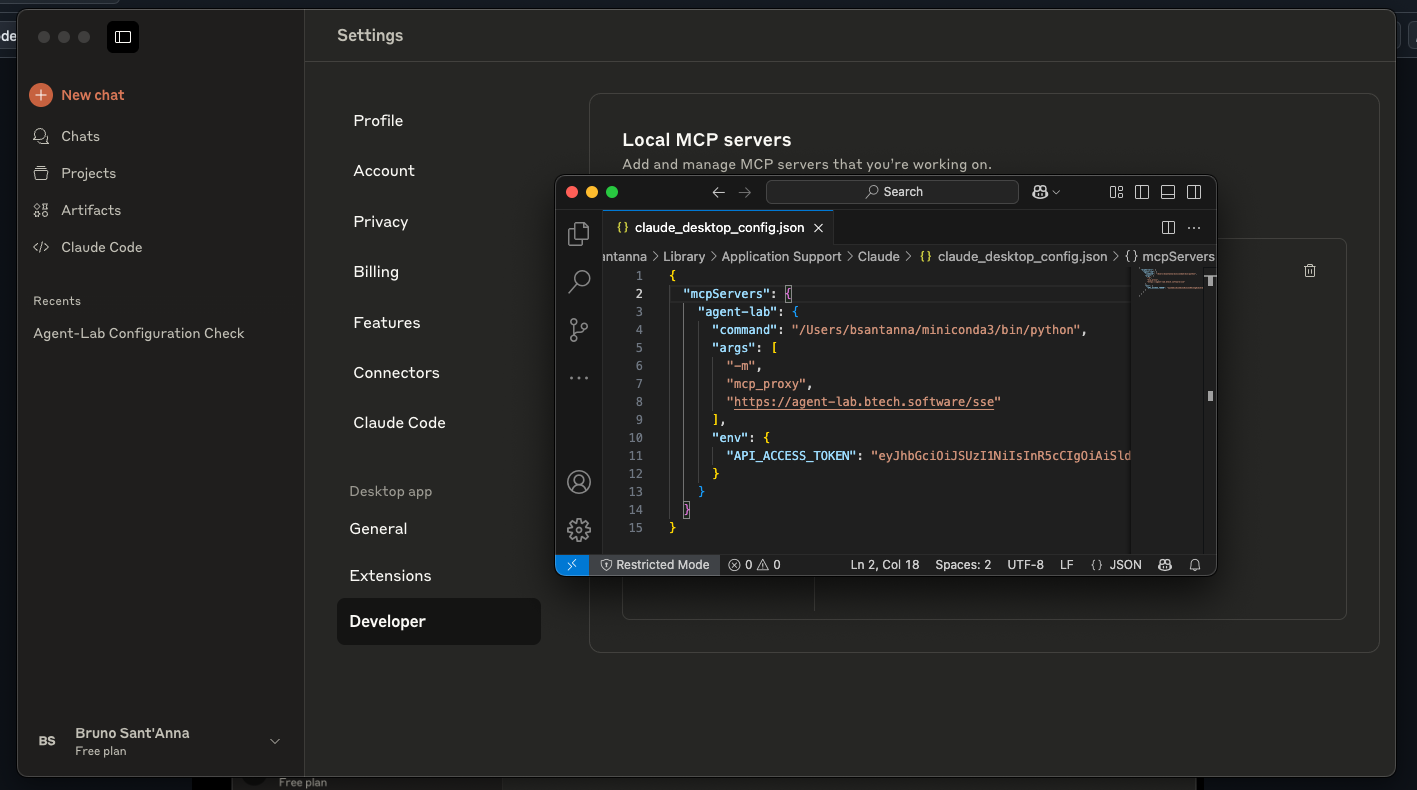
- Restart Claude Desktop and navigate to Settings → Developer again — Agent-Lab should be visible:
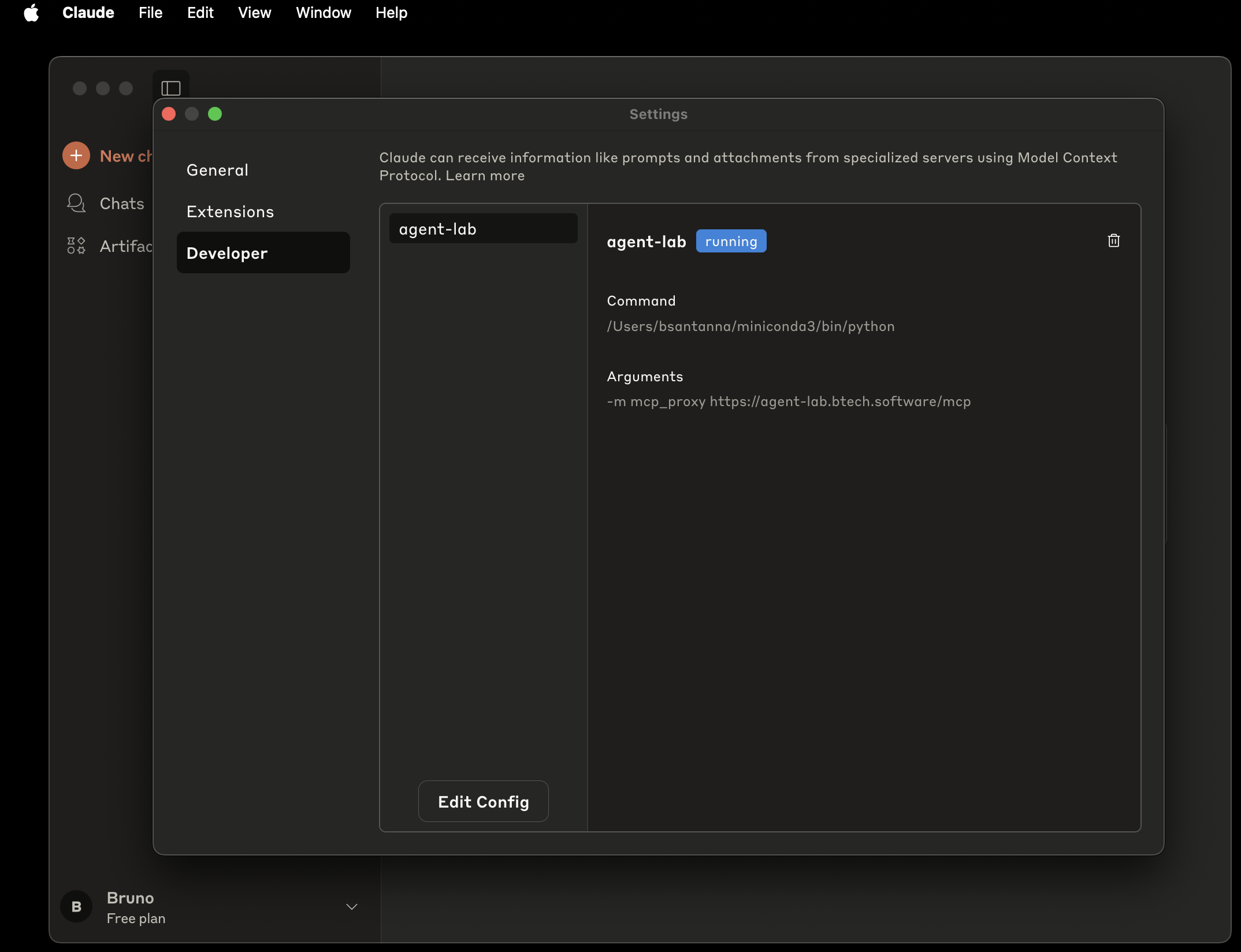
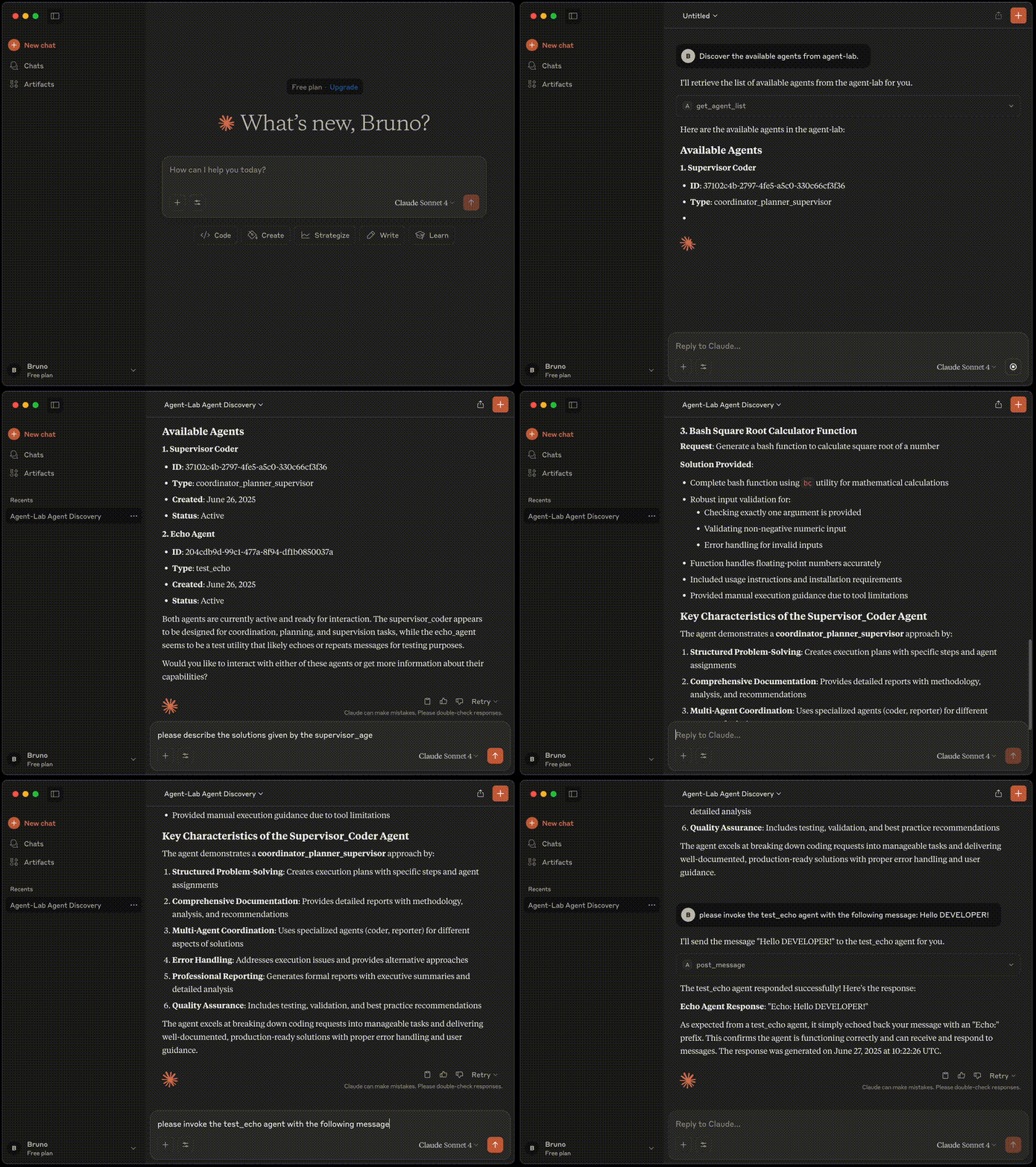
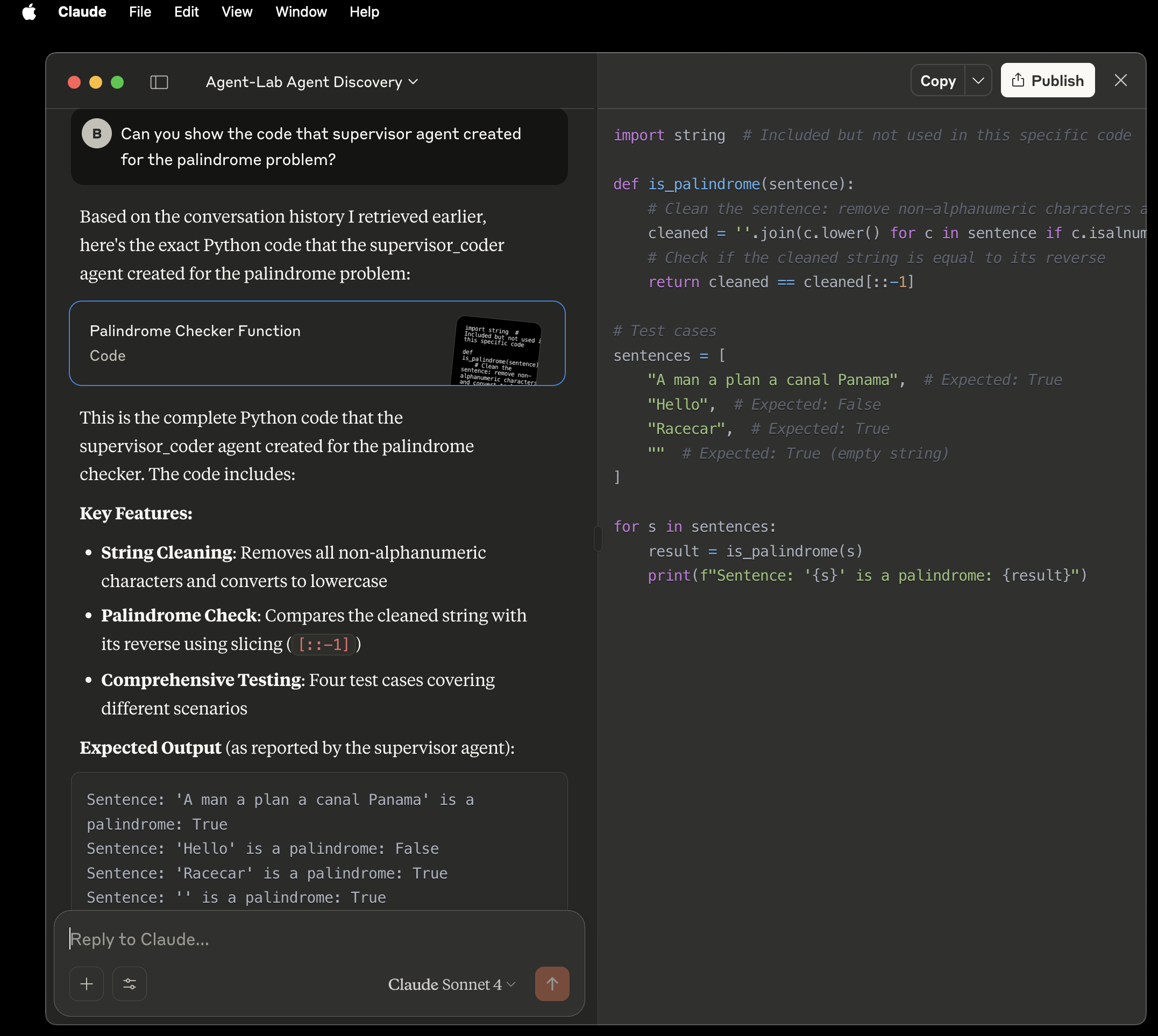
- Try it: ask Claude to list the agents, fetch the dialog history of a supervised coder agent instance, or have it show a snippet the agent generated earlier:
OpenAI Responses API
The hosted Model Context Protocol (MCP) tool in the Responses API makes connecting to external services easier: configure your model once to point at an MCP server — it acts as a centralized tool host. (Source: MCP Tool Guide)
A notebook demonstrating the OpenAI Responses API integration with the Agent-Lab MCP server is available at notebooks/11_mcp_client-openai-responses.ipynb.
Add your own tools and prompts
Everything is discovered the same way agents are — decorate, and (for library
consumers) make sure your package is in scan_packages or published through the
agent_lab.agents entry-point group.
A tool — a plain async function; its leading container parameter is injected
from the DI container and hidden from clients:
from agent_lab import discoverable_mcp_tool


@discoverable_mcp_tool(
    "my_hello_tool",
    description="Returns a friendly greeting.",
    annotations={"readOnlyHint": True},
)
async def hello_tool(container, name: str) -> str:
    return f"Hello, {name}!"
A prompt — exposed on the full prompt triple (tool / prompts/get /
prompt:// resource):
from agent_lab import discoverable_mcp_prompt


@discoverable_mcp_prompt("my_greeting_prompt")
def greeting_prompt() -> str:
    return "Greet the user warmly and briefly."
Advanced — a full McpRegistrar (or PromptSetRegistrar) subclass for custom
tool/prompt/resource sets, via @discoverable_mcp_registrar(extra_deps=(...)). To
add MCP instructions for clients, pass fragments at composition:
app = create_app(mcp_instructions=["Extra guidance for MCP clients."])A worked example ships in the scaffold (mcp/tools.py, mcp/prompts.py) — see
Your first agent.
Authentication
When auth is enabled, MCP clients authenticate through an OAuth proxy backed by
Keycloak: JWT verification against the realm JWKS (openid,
profile, email scopes), and OAuth client storage in Redis (encrypted). The app
publishes the standard metadata endpoints
(/.well-known/oauth-protected-resource/mcp,
/.well-known/oauth-authorization-server/mcp) so compliant clients can self-configure.